
Marketing Automation for Service Businesses: A 2026 Playbook
Marketing automation for service businesses — the five core automations that move revenue, what AI changes, and the build order that actually works.
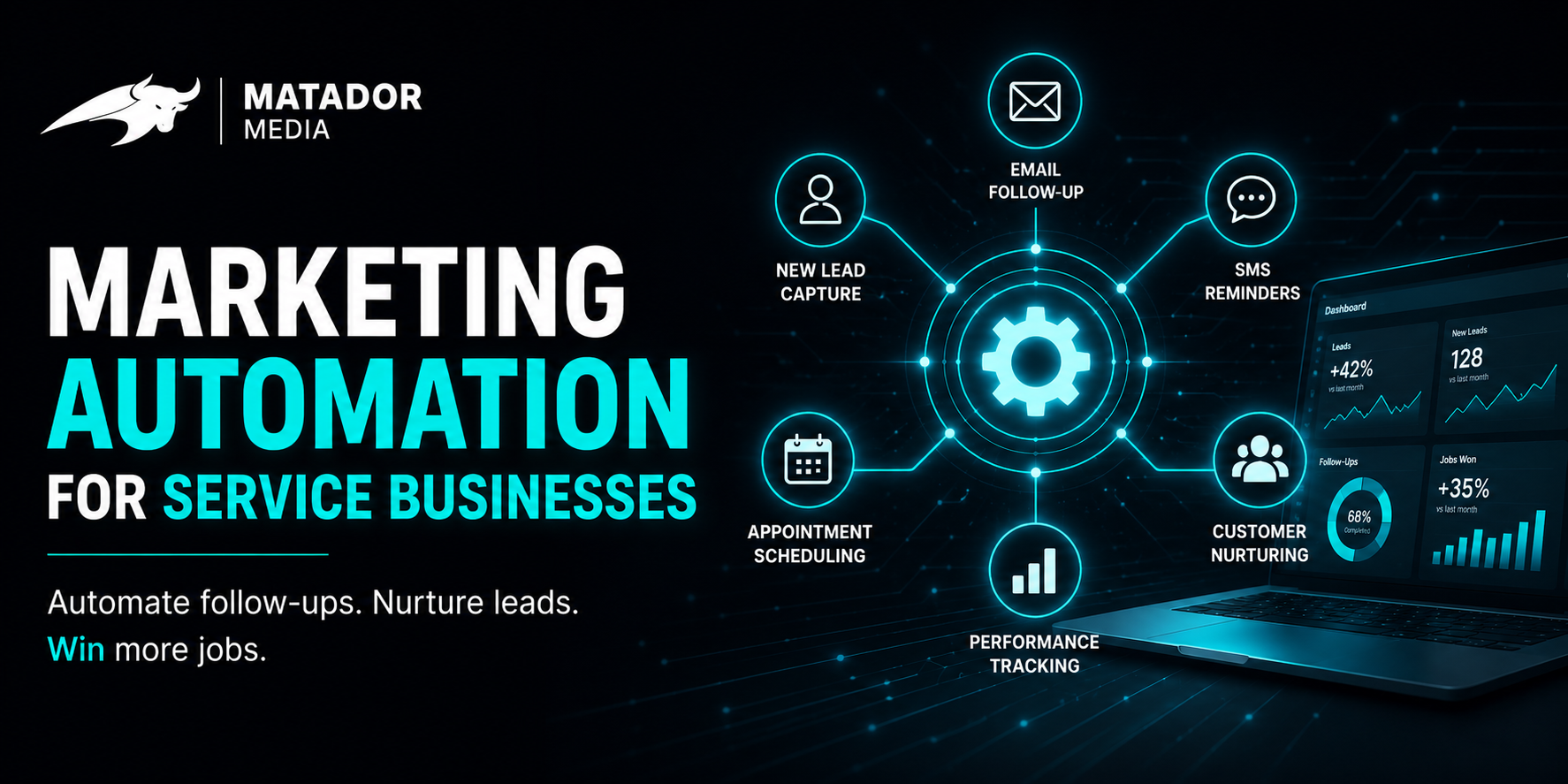
Most service businesses have a CRM with a few thousand contacts in it and a marketing automation tool with one half-built sequence. The result is a stack that costs money and changes nothing. The leads still cool off. The reviews still don't come in. The old customers still forget you exist.
This isn't another "things you should automate" list. It's a 2026 playbook — five specific automations in the order to build them, what AI actually changes about each one, and the build maps for three common service-business types. Take it to your team and ship.
What "marketing automation" actually means for a service business
Forget "drip campaigns." Forget "email blasts."
Marketing automation for a service business is trigger-based, multi-channel customer communication that runs without you in the loop — the systems that turn a form fill into a confirmed appointment, a finished job into a five-star review, and a quiet customer into a re-engaged one.
What changed since 2020 isn't the framework. It's the tools. The old generation ran on if-this-then-that rules. The 2026 generation runs on rules plus AI: smarter segmentation, AI-drafted copy that sounds like you, lead scoring without a data team, and sentiment-aware sequences that stop the upsell if the customer just complained.
The five automations that move the needle (in build order)
These are the five we ship first, in this order, for service-business clients. If you only build one, build the first. If you build all five, you have a system that runs.
Automation #1
Instant lead response
- Trigger
- New lead from form fill, phone call, or chat.
- Timing
- First touch under 60 seconds.
- Channel
- SMS (primary) + CRM record + internal Slack alert. Email follow-up at minute 10.
- Sample message
- "Hi {{First Name}} — saw you reached out about {{Service}}. Were you looking to book this week, or just gathering info? — {{Owner Name}}"
- KPI to move
- Avg lead response time → under 2 minutes. Form-to-appointment conversion → up 25–50%.
Automation #2
Appointment confirmations and reminders
- Trigger
- Appointment booked in calendar / CRM.
- Timing
- Instant confirmation, reminder 24 hours before, reminder 2 hours before.
- Channel
- SMS + email confirmation.
- Sample message
- "Just confirming — {{Service}} with {{Tech Name}} tomorrow at {{Time}}. Reply C to confirm, R to reschedule."
- KPI to move
- No-show rate. Most service businesses cut no-shows by 30–60% from this one automation alone.
Automation #3
Post-service review request
- Trigger
- Service marked complete in CRM.
- Timing
- SMS at hour 2 after completion. Email follow-up at day 3 for non-responders.
- Channel
- SMS first, email second. Direct link to Google review form.
- Sample message
- "Thanks for working with us today, {{First Name}}. If we did right by you, a quick Google review means a lot to a small team like ours. {{Review Link}}"
- KPI to move
- Review velocity. 3–5x more Google reviews per month with active automation.
Automation #4
Lead nurture for non-converters
- Trigger
- Lead created more than 7 days ago with no booked appointment.
- Timing
- 3 emails over 21 days, then monthly check-in for 6 months.
- Channel
- Email primary, occasional SMS for high-value leads.
- Sample message
- "Hey {{First Name}} — when you reached out a few weeks back you were looking into {{Service}}. Did you end up sorting it out, or is it still on the list?"
- KPI to move
- Cold-lead reactivation rate. 5–15% of 'lost' leads come back when this is set up well.
Automation #5
Customer win-back
- Trigger
- Customer with no service or contact in the last 12 months.
- Timing
- 2 emails 14 days apart, with an offer or a maintenance reminder.
- Channel
- Email primary.
- Sample message
- "It's been about a year since we {{last service}}. {{Maintenance-relevant nudge}}. If now's a good time to book again, here's the link."
- KPI to move
- Repeat-customer revenue — often the highest-margin revenue you have.
What AI actually changes in 2026
The structure of these five automations is rules-based. The personalization layer is where AI earns its place.
AI-augmented segmentation
The old way: static lists ("customers who bought service X"). The AI way: dynamic segmentation that updates in real time based on behavior, engagement signals, and sentiment. The same five automations work, but the right message reaches the right person.
AI-generated copy variants
For each step in your sequences, AI drafts three to five copy variants that match your brand voice — built from your real past messages, not generic templates. You pick what ships.
AI lead scoring without a data team
Old lead scoring needed a data scientist. New lead scoring is a model that watches every signal (page views, form depth, response speed, sentiment) and ranks leads in real time. Your team works the top 20% first.
Sentiment-aware sequences
The single most expensive automation failure is sending an upsell to a customer who just had a bad experience. AI-augmented sequences read sentiment and pause automations when something's off.
Three automation maps by business type
Home services (HVAC, plumbing, roofing, electrical)
- Lean heavy on instant lead response — emergencies and after-hours dominate.
- AI receptionist for inbound calls is non-negotiable.
- Review automation is the highest-ROI long-term play (local pack ranking).
- Win-back is seasonal — fire HVAC sequences in April and September.
Professional services (legal, accounting, consulting)
- Lead nurture is the biggest lever — sales cycles are weeks, not minutes.
- AI lead scoring matters more than instant SMS (consideration is high).
- Review velocity is critical but tone has to stay credentialed.
- Email-first, SMS sparingly.
High-touch consumer (med spa, dental, salon, fitness, premium home services)
- Appointment reminders and rescheduling automations are the no-show killers.
- Review automation needs to fire fast (peak satisfaction is under 4 hours after the appointment).
- Win-back works with offers — re-activating a lapsed client at month 9 is high-margin.
- Brand voice matters more than in other segments — bake AI copy review in.
Tools: what to use, what to skip
| Stack type | Best for | Watch out for |
|---|---|---|
| All-in-one (HubSpot, GoHighLevel, ActiveCampaign) | One tool, one bill, one login. | Feature breadth often masks weakness in individual features. |
| Pieced-together stack | Outgrew an all-in-one in one area but don't want to migrate everything. | Glue (Zapier / Make) becomes a single point of failure. |
| Custom-built | 100+ leads/week or $2M+ revenue. Off-the-shelf has stopped fitting. | Real investment up front, but the lift compounds. |
How to measure whether it's actually working
Five KPIs cover 80% of the value:
- Lead response time — target under 2 minutes for first touch.
- Booked appointment rate — leads → confirmed appointments.
- No-show rate — confirmed appointments → completed services.
- Review velocity — completed services → new Google reviews.
- Repeat-customer revenue — % of monthly revenue from customers older than 12 months.
Look at all five on the same dashboard, weekly. Most service businesses don't have one view that shows these together; building it is half the value.
How to keep automations from feeling spammy or generic
- Frequency caps. No customer gets more than one automated message in 24 hours, no matter how many sequences they're in.
- Sentiment gates. Any negative reply pauses every automation for that customer until a human reviews.
- Owner voice. Messages get drafted by AI but reviewed by you (or one trusted person) before they ship to the audience.
Most automation disasters trace back to skipping one of these three.
FAQ
How long does it take to set up marketing automation for a service business?
A first useful version of the five-automation playbook ships in two to four weeks. Adding AI scoring, AI copy variants, and deeper personalization adds another four to eight weeks. The bigger gating factor is your content and tone, not the tools.
Which automation should I build first?
Instant lead response. It moves the most revenue the fastest. Every other automation depends on the lead actually becoming a customer first.
Will my customers know it's automated?
Done badly, yes — and they'll resent it. Done well, no — and they'll thank you for being responsive. The difference is tone, frequency, and sentiment guardrails.
Do I need a CRM before I start?
Yes. A CRM is the spine of any automation system. Without it, every automation runs on incomplete data and there's no single source of truth for customer lifecycle.
How much should I budget for marketing automation?
Plan on $200 to $1,000 per month in tooling for SMBs, plus the cost of someone to maintain it — either in-house time or an outside partner. Done-for-you setups run higher but pay back faster.
What's the biggest mistake service businesses make with automation?
Buying a tool before designing the system. The tool isn't the automation — the trigger logic, the messaging, and the sequence design is. Buy the tool last.
Where Matador Media fits in
The five automations in this playbook are the system we build for service-business clients. AI receptionist on the front. Instant lead response in under 60 seconds. Confirmations and reminders that cut no-shows. Reviews that fire at the peak satisfaction window. Nurture and win-back that keep cold leads warm and lapsed customers coming back.
Want this applied to your business?
Book a working session and we'll map the build for you.
Book a Strategy CallKeep reading
AI Receptionist for Small Business: How It Works, What It Costs, and When to Switch
What they cost, what they can (and can't) do, and a 10-minute framework for deciding when it's time to switch from voicemail or an answering service.
Lead ResponseLead Response Time: The 5-Minute Rule (and How to Hit It)
The canonical numbers, the architecture of a sub-5-minute response system, the after-hours stack, and how to measure your current baseline.